
You can connect to EC2 without SSH using one command, even when the server is private and port 22 is closed. AWS Systems Manager Session Manager gives you a terminal session through the AWS CLI, and it works from Windows CMD, PowerShell, Linux and macOS. You don’t need SSH keys or a bastion host.
Here’s why that’s a safer way to work, and exactly what to type on each system.
Install the AWS CLI and the Session Manager plugin, sign in, then run aws ssm start-session --target <instance-id>. Your server needs an IAM role with AmazonSSMManagedInstanceCore and an outbound route to AWS.
Why replace SSH with Session Manager?
SSH is a good tool, but running it in production gives you a list of things to look after.
Port 22 has to be reachable from somewhere, and an open inbound port is one more way in. Keys have to be created, shared, rotated and removed, and they tend to end up on laptops. When someone leaves the team, you have to find every key they had. Many teams also run a bastion host, which is one more server to patch and protect.
Session Manager removes all of that. AWS’s own documentation warns that open inbound SSH and remote PowerShell ports greatly increase the risk of someone running unauthorised commands on your servers.
What AWS gives you
This is one of the most useful features AWS includes, and it’s easy to miss:
| Area | SSH | Session Manager |
|---|---|---|
| Network | Port 22 open somewhere | No inbound port |
| Access | Keys to create and rotate | Controlled by IAM |
| Removing someone | Find and remove their keys | Remove their IAM access |
| Entry point | Often a bastion host | No bastion |
| Audit | Your own logging | CloudTrail, plus optional session logs |
| Your laptop | An SSH client and keys | AWS CLI on any system |
Your servers can stay in private subnets with no public IP address. Permissions live in one place, IAM, so you can grant someone access for an on-call shift and remove it afterwards. AWS’s pricing page also lists no additional charge for using it on EC2 instances. You pay only for supporting services, such as a NAT gateway or log storage.
How it reaches private EC2 without a bastion
The SSM Agent on your server makes an outbound connection to AWS. When you start a session, AWS authenticates you, checks your IAM permissions and opens a two-way channel to the agent. The traffic is encrypted with TLS 1.2. Nothing connects in to the server, which is why no inbound port is needed.
Set up the server first
Each server needs three things:
- The SSM Agent. Amazon Linux 2023 and many other AWS-provided images already include it.
- An IAM role with the
AmazonSSMManagedInstanceCorepolicy attached. - An outbound route to AWS, through a NAT gateway or VPC endpoints for
ssm,ssmmessagesandec2messages.
If you use Terraform, the IAM part is short:
resource "aws_iam_role_policy_attachment" "ssm" {
  role       = aws_iam_role.app.name
  policy_arn = "arn:aws:iam::aws:policy/AmazonSSMManagedInstanceCore"
}
After that, you can remove the port 22 rule from the security group. Test your Session Manager access first, so you don’t lock yourself out.
How to connect to EC2 from any terminal
Do this once on your own computer. After that, connecting takes one command.
Step 1: install the AWS CLI
Windows (CMD or PowerShell):
msiexec.exe /i https://awscli.amazonaws.com/AWSCLIV2.msiLinux (x86_64):
curl "https://awscli.amazonaws.com/awscli-exe-linux-x86_64.zip" -o "awscliv2.zip"
unzip awscliv2.zip
sudo ./aws/install
macOS:
curl "https://awscli.amazonaws.com/AWSCLIV2.pkg" -o "AWSCLIV2.pkg"
sudo installer -pkg AWSCLIV2.pkg -target /
Open a new terminal and check that it worked:
aws --versionStep 2: install the Session Manager plugin
The AWS CLI needs this plugin to open a session.
Windows: download and run the official Session Manager plugin installer. It needs Administrator rights. AWS recommends PowerShell 5 or later, and CMD works too.
Ubuntu or Debian (x86_64):
curl "https://s3.amazonaws.com/session-manager-downloads/plugin/latest/ubuntu_64bit/session-manager-plugin.deb" -o "session-manager-plugin.deb"
sudo dpkg -i session-manager-plugin.deb
macOS (Apple silicon):
curl "https://s3.amazonaws.com/session-manager-downloads/plugin/latest/mac_arm64/session-manager-plugin.pkg" -o "session-manager-plugin.pkg"
sudo installer -pkg session-manager-plugin.pkg -target /
sudo ln -s /usr/local/sessionmanagerplugin/bin/session-manager-plugin /usr/local/bin/session-manager-plugin
For other systems, see the AWS plugin install guide. Then confirm it’s installed:
session-manager-plugin --versionIf Windows can’t find it, open a new terminal.
Step 3: sign in to AWS
If your team uses IAM Identity Center, set up a named profile:
aws configure ssoThen confirm which account you’re in:
aws sts get-caller-identity --profile prodCheck the account number before you go further. prod is just an example, so use your own profile name.
Step 4: find the instance ID
Replace my-server with your server’s Name tag. This one line works in CMD, PowerShell, Linux and macOS:
aws ec2 describe-instances --filters "Name=tag:Name,Values=my-server" "Name=instance-state-name,Values=running" --query "Reservations[].Instances[].InstanceId" --output text --profile prodStep 5: connect with aws ssm start-session
This is the command you’ll use from now on, and it’s the same on every system:
aws ssm start-session --target i-0123456789abcdef0 --profile prodYou’ll see a shell prompt on the server. On Linux, you start as ssm-user, so use sudo when you need more access. To leave, type:
exitIf your profile has no default region, add --region us-east-1, or the region your server is in.
Connect to a private RDS database
You can also forward a local port through a server, which is handy for a one-off database query:
aws ssm start-session --target i-0123456789abcdef0 --document-name AWS-StartPortForwardingSessionToRemoteHost --parameters "host=shop-prod.abc123.us-east-1.rds.amazonaws.com,portNumber=3306,localPortNumber=13306" --profile prodPoint your database client at 127.0.0.1:13306. When you close the session, the path is gone. The database’s security group still has to allow that server, so your rules stay as strict as they were.
See who connected
AWS CloudTrail records Session Manager API calls, so you have a record of who started a session. You can also turn on session logging to save activity to S3 or CloudWatch Logs, and use EventBridge to get an alert when a session starts.
There’s one limit to plan around. AWS says session logs aren’t available for sessions that use port forwarding or SSH, so standard shell sessions are the ones with full logs.
When it won’t connect
If you see TargetNotConnected, or the plugin won’t start, check these in order:
- Role: does the server have an instance profile with
AmazonSSMManagedInstanceCore? - Network: can it reach the Systems Manager endpoints on port 443?
- Agent: is the SSM Agent installed and running?
- Your access: does your IAM user or role allow
ssm:StartSession? - Region: are you pointing at the region the server is in?
- Plugin:
SessionManagerPlugin is not foundis a problem on your computer, not on the server.
A role added to a running server can take a few minutes to take effect.
Frequently asked questions
Does AWS Session Manager need port 22?
No. The SSM Agent makes an outbound connection, so no inbound port needs to be open.
Can I use it from Windows CMD?
Yes. AWS recommends PowerShell 5 or later, and the Windows Command shell also works. Third-party terminals might not be compatible with the plugin.
Does Session Manager cost extra?
AWS’s pricing page lists no additional charge for usage on Amazon EC2 instances. Hybrid and multicloud servers are priced separately, and supporting services like NAT gateways and log storage have their usual costs.
Can I connect to a private EC2 instance without a bastion host?
Yes. Session Manager gives you shell access and port forwarding to private resources, which are the main jobs of a bastion.
Can I connect from the AWS console instead?
Yes. In the EC2 console, select the instance, choose Connect, open the Session Manager tab and choose Connect. You get a shell in your browser, with nothing to install on your computer.
Session Manager or EC2 Instance Connect Endpoint?
Both reach private servers without a bastion. EC2 Instance Connect Endpoint is a private tunnel, and the server’s security group must still allow inbound traffic from the endpoint. Session Manager needs no inbound rule at all, so it’s the better fit when you want those ports closed.
Does the server need a public IP address?
No. It needs an outbound route to the Systems Manager endpoints, either through a NAT gateway or through VPC endpoints.
Conclusion
Session Manager turns server access into something AWS manages for you. Once your laptop is set up, one command gets you a shell, with no open port, no keys and IAM deciding who gets in.
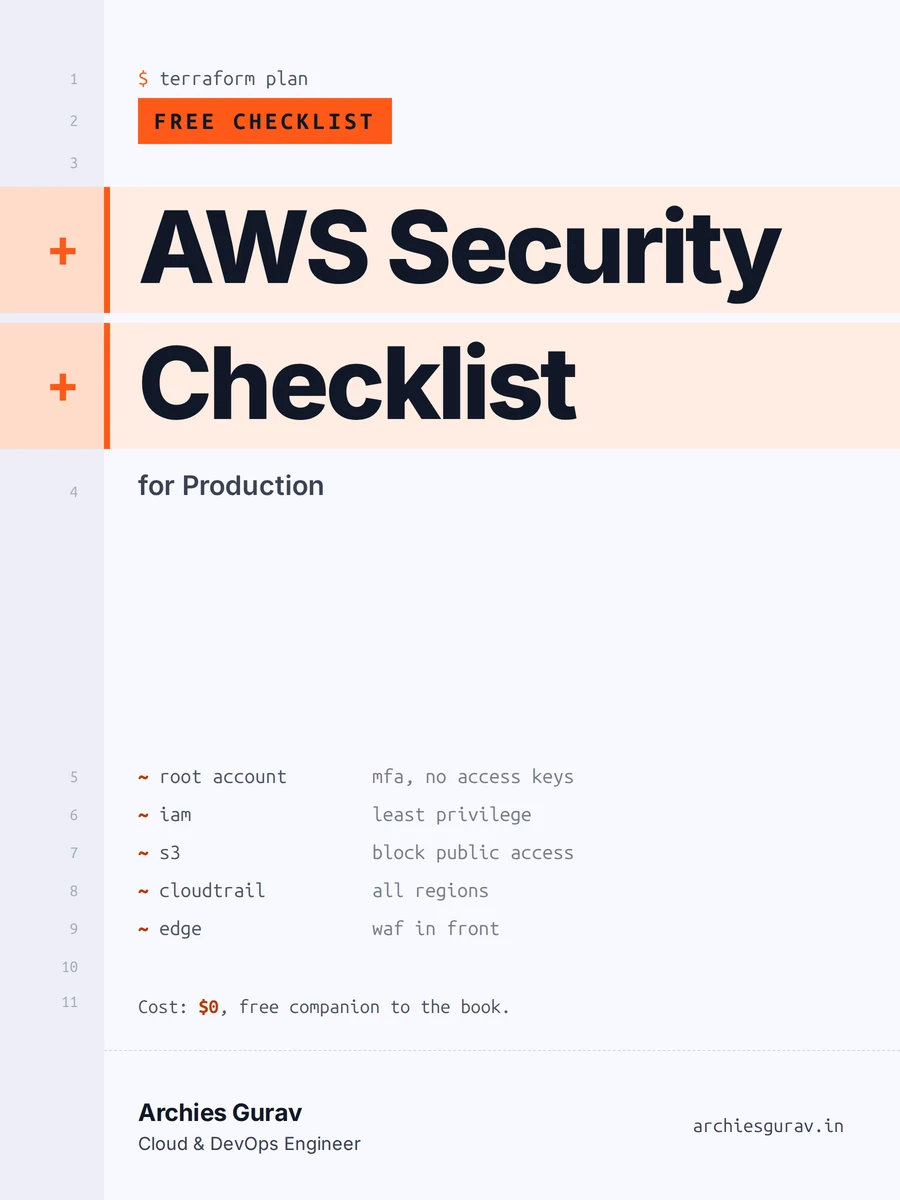
If you’re tightening up a production AWS account, my free AWS security checklist covers what I check before a workload goes live. To see how private subnets and a NAT gateway fit together, read this scalable AWS architecture. My book Production AWS with Terraform covers the full setup, including secrets and access without SSH.
Free resource
AWS Security Checklist for Production
The checks I run before any AWS workload goes live: accounts, network, data, access and monitoring, in one printable list.
Get it free